
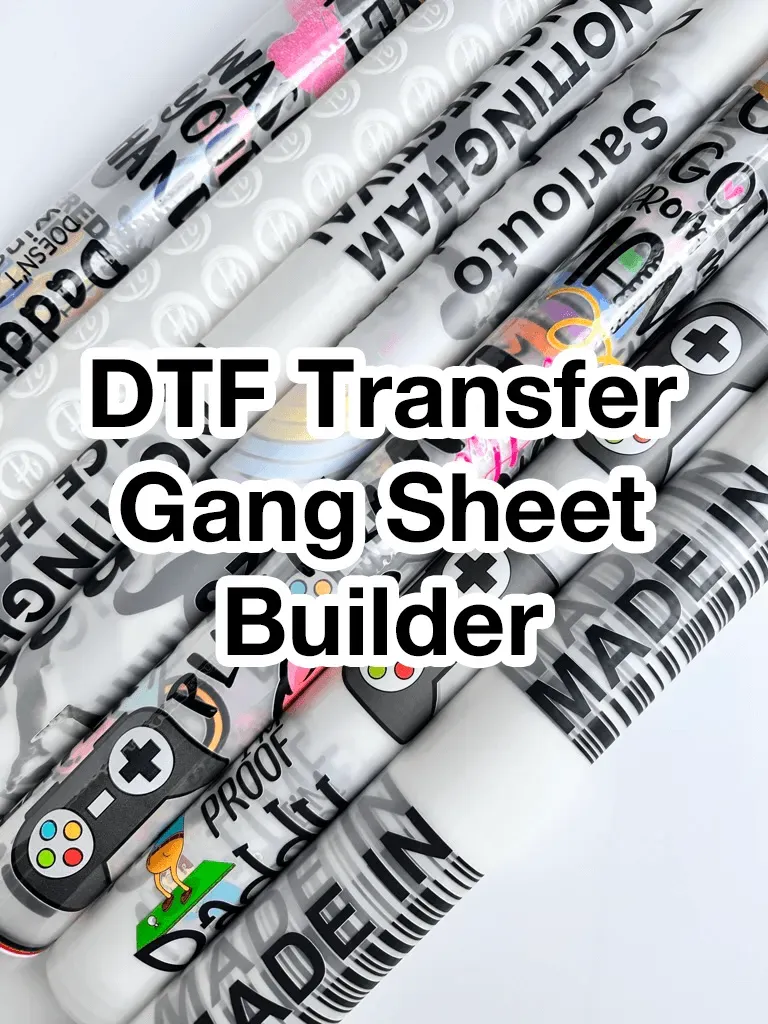
The DTF Gangsheets Builder is a game-changing tool for anyone involved in custom apparel printing. With the growing popularity of DTF (Direct-to-Film) printing, enhancing your DTF printing efficiency has never been more critical. This innovative builder helps streamline the process of creating gangsheets—a layout where multiple graphics are printed on a single sheet—making it easier to maximize printing quality while minimizing waste. In this guide, we’ll explore essential DTF print layout tips and best DTF printing practices that can elevate your production game. Whether you’re a seasoned pro or just starting in this industry, learning how to effectively use gangsheets can significantly impact your overall productivity and creativity in printing.
The DTF Gangsheets Builder, a vital resource for apparel printing enthusiasts, allows for the effective organization of designs on a single print sheet. By employing this tool, you can uncover countless methods to enhance your DTF printing strategy, ensuring that each design is optimally placed to reduce material waste. Understanding how to utilize gangsheets effectively is instrumental in achieving superior results and experimenting with various creative options for your custom designs. As you delve deeper into the nuances of digital printing, utilizing features within this builder can bring about tangible improvements in your workflow. Furthermore, being informed about best practices in DTF printing will empower you to achieve remarkable quality in your finished products.
Maximizing DTF Printing Efficiency
Maximizing efficiency in DTF printing hinges on understanding the process from A to Z. One key aspect to consider is the importance of optimizing the use of gangsheets. This allows multiple designs to be printed on one sheet, drastically reducing material waste and cost. A well-planned template utilizing DTF printing efficiency not only saves time but also maximizes your printer’s capabilities, leading to an overall enhancement in productivity. By integrating smart strategies into your printing process, you can ensure that every inch of your gangsheets is utilized effectively.
To further refine this efficiency, it’s wise to regularly review and adjust your DTF printing practices. This involves examining your setup from design creation to final output, ensuring that all aspects of production contribute to a seamless workflow. Regularly updating your knowledge of DTF printing efficiency will keep you ahead in the industry, as newer techniques and technologies are continually developing. By consistently applying these insights, you can transform your output and set a benchmark for quality in custom apparel printing.
How to Use Gangsheets Effectively
Understanding how to use gangsheets is vital for any printer looking to capitalize on DTF technology. A gangsheets layout allows you to organize multiple graphics onto a single film sheet, reducing both printing and material costs. By planning your designs intelligently, including factors such as spacing and alignment, you can ensure that each print is executed with precision and maximizes the functionality of your printer. Best practices dictate that each design element should be arranged in a way that accounts for the unique specifications of the printer, ensuring optimal results.
Additionally, creating gangsheets may seem straightforward, but it requires attention to detail. Implementing proper software tools designed for DTF printing can simplify the process tremendously. By using templates that support specific DTF printing practices, you can streamline design layout, making it easier to achieve stunning results. Attention to detail and understanding the nuances of design arrangement will elevate your output quality and efficiency when using gangsheets.
DTF Print Layout Tips
Creating an effective DTF print layout is essential for maximizing your printing capabilities. Utilizing grid systems to align your graphics ensures uniform spacing, which not only enhances the aesthetic appeal but also facilitates smoother production. Additionally, you can experiment with various sizes and arrangements to fit more designs onto a single sheet without sacrificing quality. This strategic approach to layout design will contribute significantly to reducing waste while maintaining the integrity of your finished products.
Furthermore, incorporating tips for effective layout design into your printing routine will yield better results in both time management and final output. Start by pre-selecting your designs and arranging them based on the size of the film you are using. This not only optimizes your sheet usage but also allows for quick adjustments if necessary. The goal is to create a harmonious flow of designs that can attractively occupy the available space, ensuring that customers receive the highest quality products possible.
Best DTF Printing Practices
Adopting the best practices in DTF printing is paramount for achieving high-quality results. Focus on the materials utilized, as high-quality DTF films and inks lead to more vibrant outputs and a longer-lasting finish. Custom apparel brands that prioritize the quality of their printing materials typically find more success in the competitive market. By investing in top-notch supplies, you ensure that your prints not only look great but also withstand the test of time.
Moreover, don’t underestimate the importance of regular equipment maintenance as part of your DTF printing best practices. Scheduled maintenance ensures that your printer operates smoothly and delivers consistent quality. Cleaning print heads and performing routine checks on ink levels can help prevent common issues that arise during printing. Implementing a structured maintenance plan will prolong the lifespan of your equipment and contribute to optimal printing performance.
Maximizing Printing Quality in DTF
Maximizing printing quality in DTF requires a meticulous approach to every facet of the printing process. Start with proper calibration of your printers to maintain color accuracy and vibrant outputs. Utilizing the correct color profiles for your materials is essential; adjustments can make a significant difference in how colors appear on the final product. Ensuring that your printer is set up correctly leads to fewer mistakes and wasted resources, ultimately enhancing your printing quality.
In alignment with maximizing quality, conducting test prints is critical before embarking on larger production runs. This practice not only contributes to the identification of color discrepancies and alignment issues but also helps to ascertain overall print quality. By evaluating these aspects during test prints, you can resolve potential problems early on, improving your efficiency and ensuring the final products meet quality standards.
Automation Tools for DTF Printing
Integrating automation tools in DTF printing processes can profoundly impact your workflow efficiency. Automated gang-sheet building tools, for instance, streamline the arrangement of designs, making it easier to repurpose layouts quickly for different orders. Besides saving time, these tools enhance consistency across your prints, maintaining a uniform quality that meets customer expectations. Implementing such advancements not only reduces the need for manual intervention but also increases the speed of production.
Furthermore, automation can assist in material management as well. Tools that automatically resize and reposition designs ensure that every sheet is fully optimized before printing begins. This level of preparation can significantly decrease the wastage of materials while maximizing your output. As the demand for custom designs continues to grow, utilizing automation is becoming a necessary practice for successful DTF printing businesses.
Frequently Asked Questions
What is the DTF Gangsheets Builder and how does it improve DTF printing efficiency?
The DTF Gangsheets Builder is a specialized tool used to create layouts for Direct-to-Film (DTF) printing. It enhances DTF printing efficiency by allowing multiple designs to be arranged on a single sheet, maximizing material usage and reducing costs. By optimizing the layout with this builder, users can produce high-quality prints while minimizing waste.
How do I effectively use gangsheets with the DTF Gangsheets Builder?
To effectively use gangsheets with the DTF Gangsheets Builder, start by organizing your designs into layers within your software. Utilize grid systems to maintain consistent spacing and alignments, ensuring that your designs fit optimally on the sheet. Regularly refer to printer specifications to ensure your layouts comply with size limitations.
What are some DTF print layout tips for using the Gangsheets Builder?
When using the DTF Gangsheets Builder, consider implementing grid systems for uniform spacing, resizing designs to fit more efficiently, and using templates provided by your software. Additionally, experiment with nested placements to create a more effective layout that minimizes waste and maximizes printing quality.
What are the best DTF printing practices to follow with the Gangsheets Builder?
Best practices for DTF printing with the Gangsheets Builder include regular printer calibration for color accuracy, conducting test prints before full runs, and utilizing high-quality films and inks. Always maintain consistent cleaning of your printing equipment to avoid print quality issues and ensure reliable performance.
How can I maximize printing quality with the DTF Gangsheets Builder?
To maximize printing quality using the DTF Gangsheets Builder, focus on accurate color management by setting correct CMYK values and calibrating your printer regularly. Ensure you’re using high-quality materials for both films and inks, and don’t skip the crucial step of conducting test prints to verify output quality before scaling up production.
What automation tools can enhance my DTF printing process with the Gangsheets Builder?
Automation tools that can enhance your DTF printing process with the Gangsheets Builder include software features that automate design resizing and positioning. These tools help streamline the workflow, ensuring consistent quality across multiple prints and significantly reducing the time and manual effort required for high-volume orders.
| Key Point | Description |
|---|---|
| Understanding Gangsheets Basics | Gangsheets optimize printing costs by arranging multiple designs on one sheet. |
| Software Utilization | Using software like Photoshop can help in efficiently arranging designs. |
| Optimal Layout Design | Effective spacing and alignment are crucial for minimizing waste. |
| Color Management | Proper calibration and color profiles enhance print accuracy. |
| Test Prints | Conducting test prints helps verify quality before full production. |
| Material Quality | Using high-quality films and inks is vital for durability. |
| Maintenance and Cleaning | Regular maintenance ensures consistent print quality. |
| Automation Tools | Automated tools enhance efficiency for high-volume orders. |
Summary
DTF Gangsheets Builder is an indispensable tool for anyone involved in custom apparel printing. By mastering techniques such as understanding gangsheets, using powerful software, and optimizing your layout designs, you can significantly increase your printing efficiency. Proper color management, conducting regular test prints, and choosing high-quality materials ensure that your output meets the highest standards. Furthermore, maintaining your equipment and embracing automation will not only save time but also streamline your production process. As you implement these strategies, you will likely see improvements in both workflow and profitability, confirming the value of the DTF Gangsheets Builder in your business.

